What is Eggie and how it works
Eggie gives your coding agent — Claude Code, Codex or Cursor — a place on your computer to build and run real web apps: with a database, background jobs and everything else a real app needs. You don’t install developer tools or learn the command line.
Under the hood Eggie runs a small Linux machine. We call it the kitchen. Your projects live and run inside it, each one gets its own address you can open in the browser, and your agent works in there too. The kitchen can run on your computer or on a server in the cloud.
You talk to your agent the way you already do. Eggie takes care of everything around the code: starting and stopping projects, their addresses, files, keys and sharing a link.
How it fits together
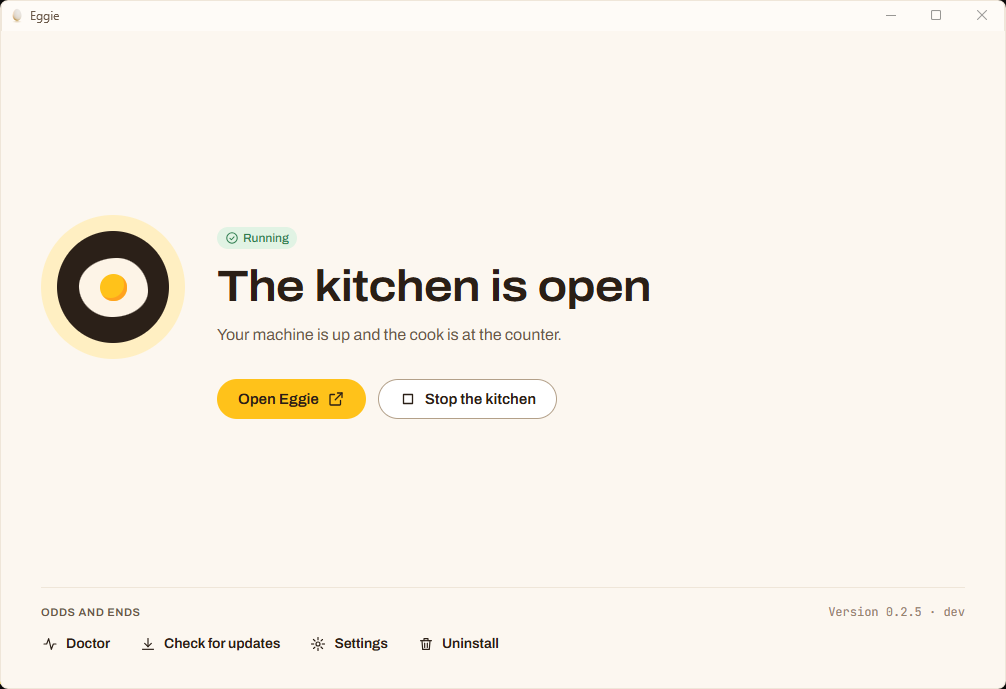
- The Eggie app turns the kitchen on and off and keeps it healthy.
- The console is your list of projects. Start, stop, open, upload files, add keys, share a link. It opens in the Eggie window or in your browser.
- Your coding agent writes the code. You connect it to the kitchen once.
Start here
- Check the system requirements
- Install Eggie on Windows or Mac, or create a cloud kitchen
- Connect Claude Code, Codex or Cursor
- Make your first project