Start, stop and open in browser
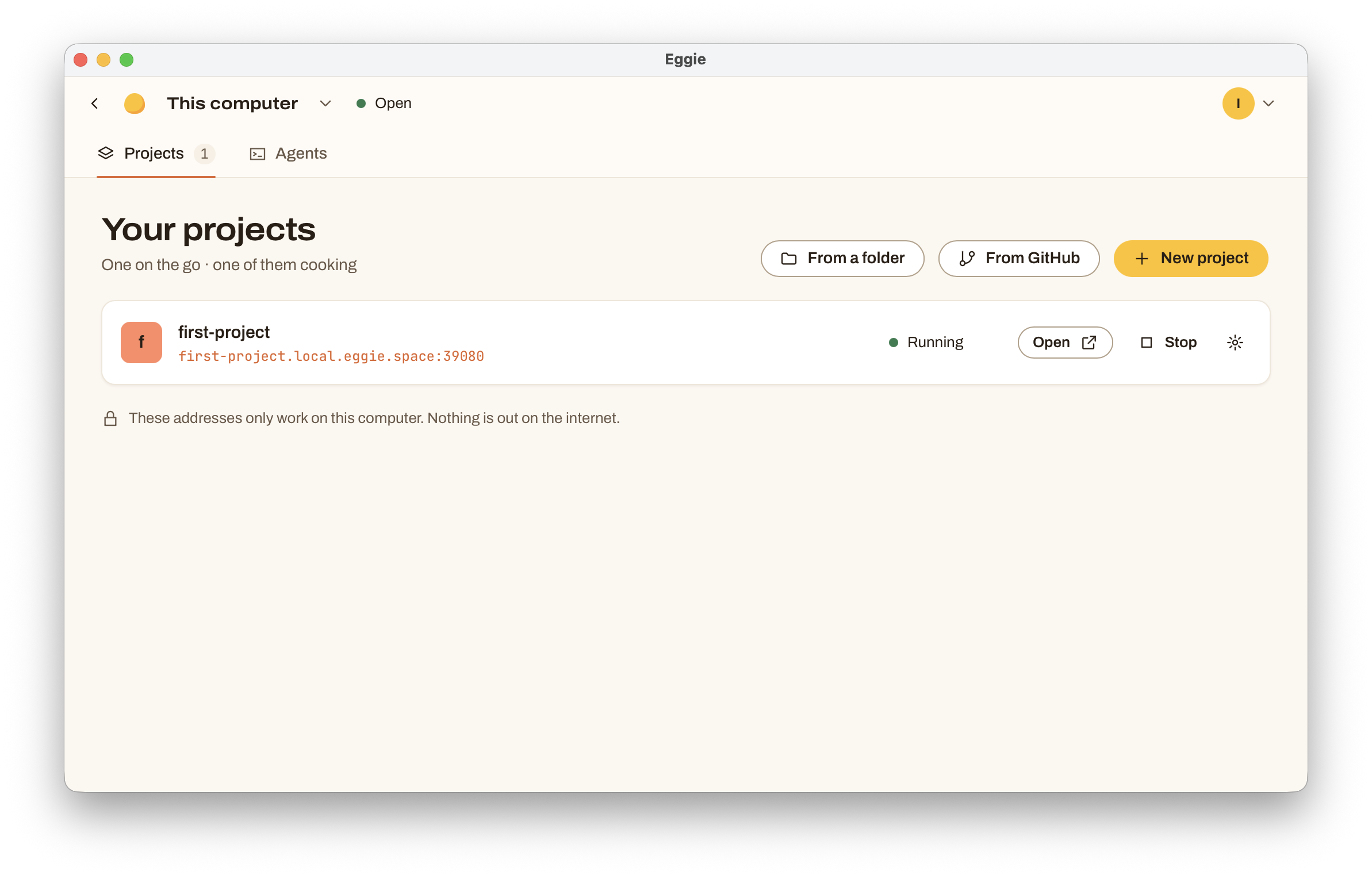
Every project in Eggie has a state, shown next to its name in the console:
| State | What it means | What to do |
|---|---|---|
| Running | The project is up and has an address. | Click Open. |
| Stopped | It’s there but not running. | Click Start. |
| Waiting for agent | An empty folder. Nothing built yet. | Click Next step and give your agent the prompt. |
| Needs set-up | Code is there, but it can’t run in Eggie yet. | Click Set it up and give your agent the prompt. |
Start, stop, restart
Use Start and Stop in the list, or open a project to also get Restart. Your agent can do the same — just ask it.
The first start of a project can take a few minutes: Eggie downloads what the project needs. Next starts are quick.
When you restart your computer, projects that were running start again on their own.
Open in browser
Click Open in the list, or Open in browser on the project page. Under Where to find it you’ll see every address the project has, with a Copy button.
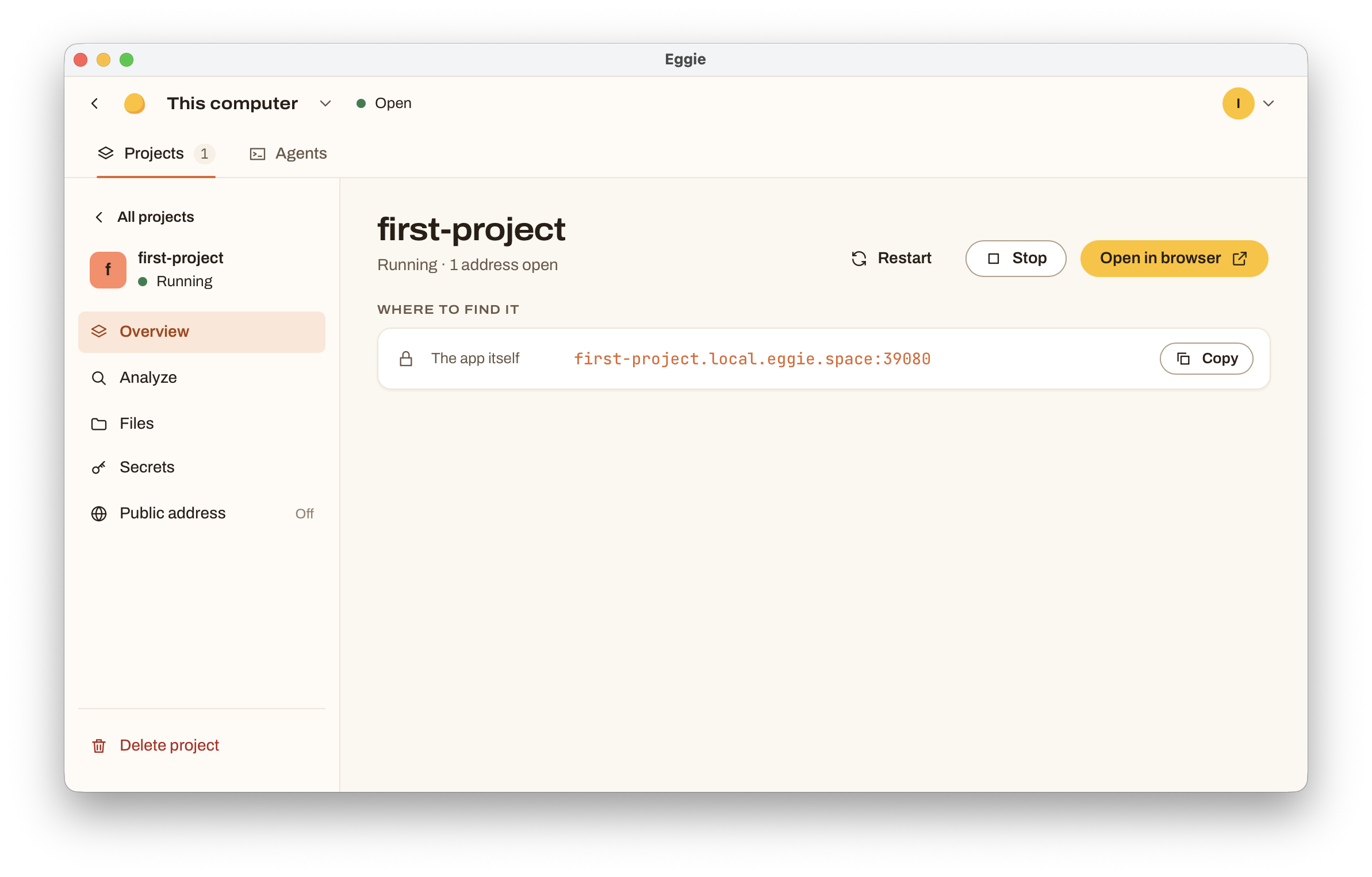
On your computer, addresses look like my-shop.local.eggie.space:39080. They work only there — nobody else can open them. To show a project to someone, share a public link.
In a cloud kitchen, addresses look like https://my-shop.vw8exc1j9o.eggie.space and open from any device.
If it doesn’t start
Ask your agent: “The project won’t start in Eggie. Check the logs and fix it.” It can read the project’s logs inside the kitchen.
See also Troubleshooting.