Upload files and database dumps
Use Files for things that aren’t code: a database backup, photos, videos, PDFs.
Open the project's Files
Open the project and click Files on the left.
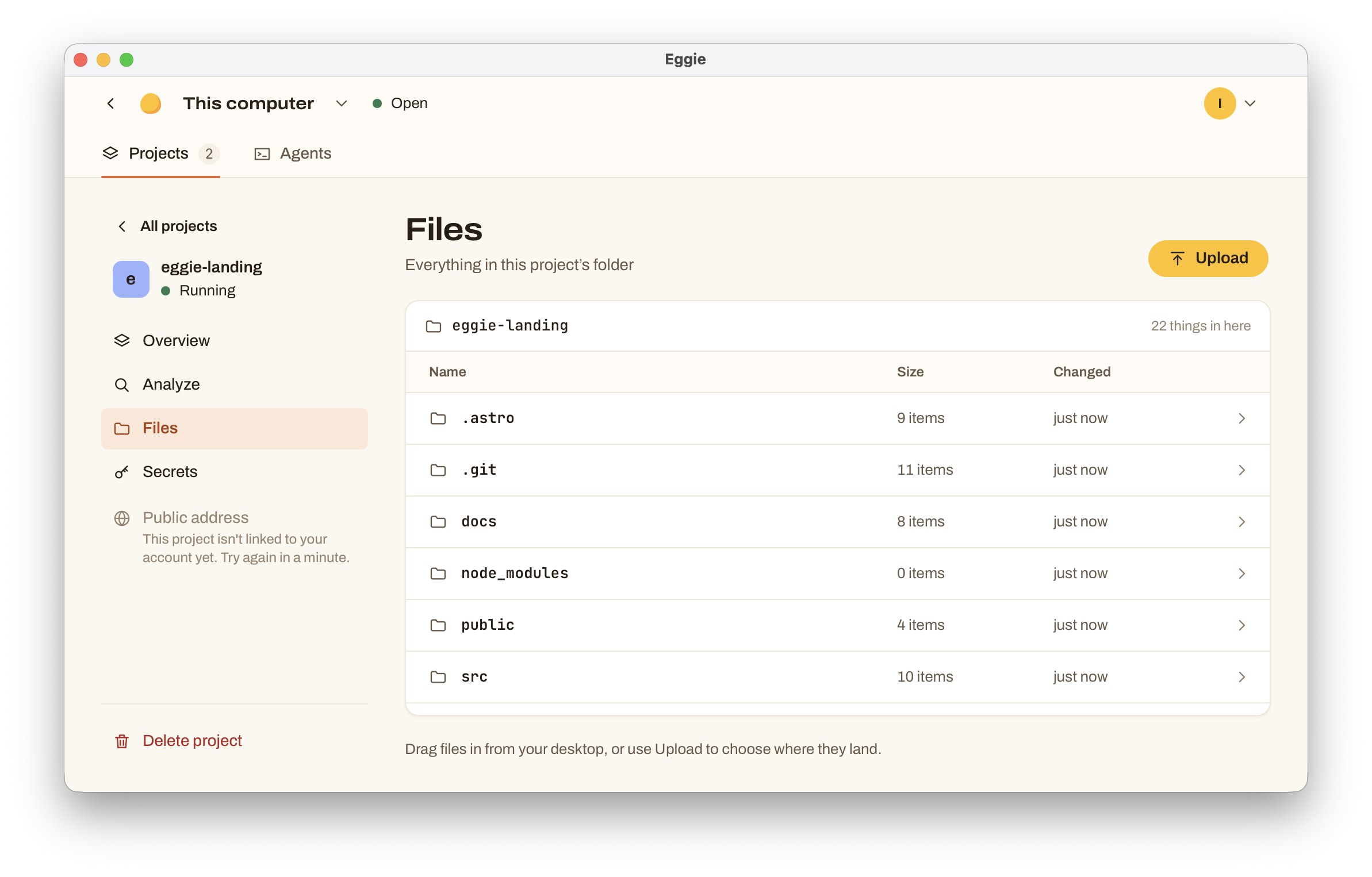
Pick a folder
Choose where the files go inside the project, for example
dataoruploads. Eggie doesn’t drop files into the top of the project by accident.Upload
Drop the files in or choose them. Big files upload in parts — if the connection drops, the upload picks up where it stopped.
Tell your agent
Your agent doesn’t know a file arrived until you tell it. For example:
“I uploaded a database backup to
data/backup.sql. Load it into the project’s database.”“I put 40 photos in
uploads/gallery. Show them on the gallery page.”
Running out of space
Before a big upload Eggie checks there’s room in the kitchen. If the disk fills up during an upload, Eggie tells you. See Free up disk space.