Keep keys and passwords
Many apps need keys for outside services: Stripe, OpenAI, your mail provider. Put them in Secrets, not in the code.
- Open the project and click Secrets.
- Enter the Name (for example
OPENAI_API_KEY) and the Value. - Click Add.
- Click Restart on the project’s Overview, so the project picks up the new value.
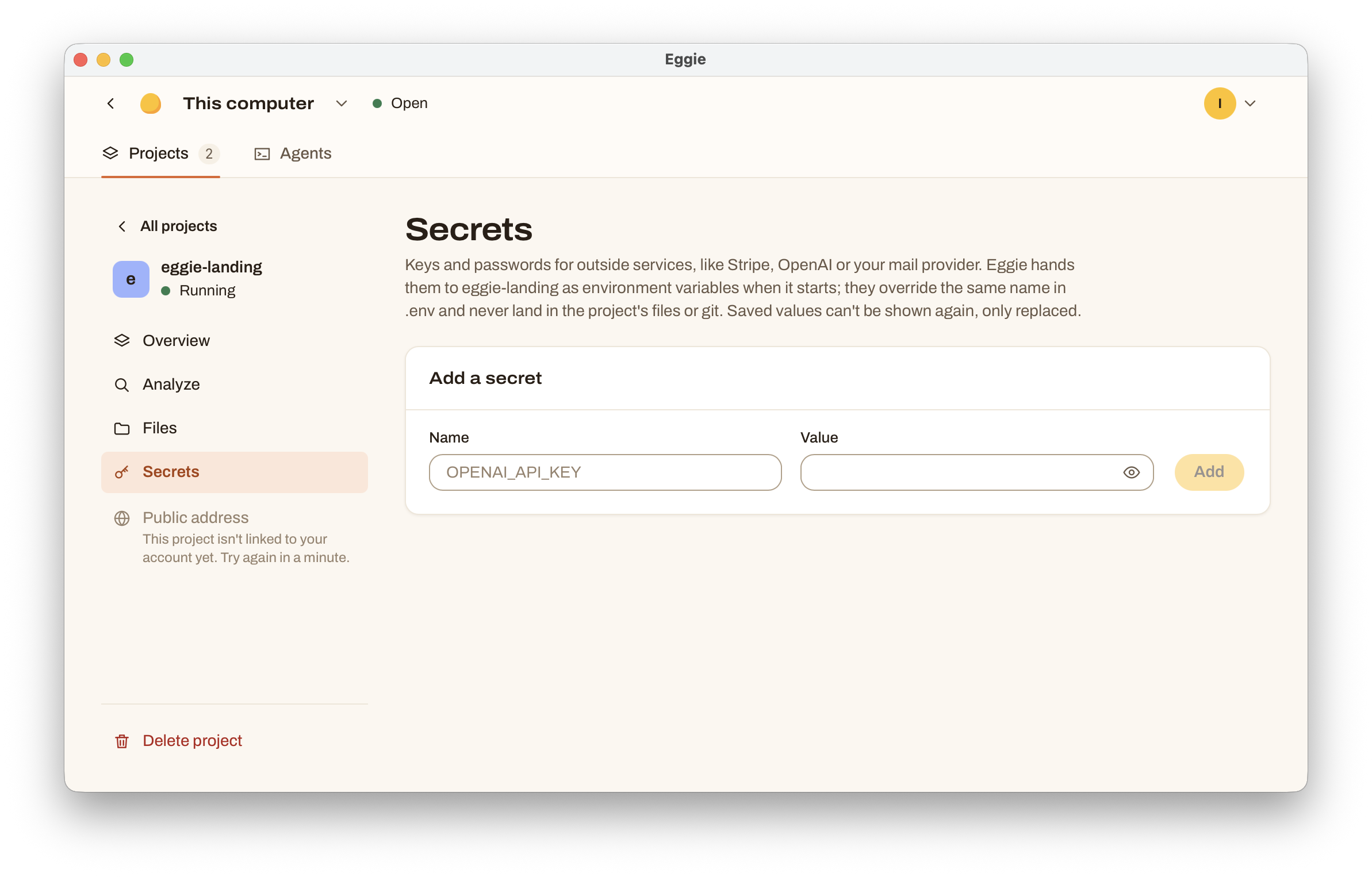
Ask your agent which name the code expects, or tell it: “Read the OpenAI key from the OPENAI_API_KEY environment variable.”
Good to know
- Eggie hands secrets to the project when it starts. A secret wins over the same name in the project’s
.envfile. - Secrets never land in the project’s files or in git, so you can’t push them to GitHub by mistake.
- You can’t see a saved value again. To change it, replace it.
- Your agent can still read them while the project runs. Secrets protect against leaks into files and chats, not against the agent. See Safety.