Share a public link
Your project’s normal address works only on your computer. A public link lets anyone open it from their phone or laptop — useful to show a client or test on your phone.
You need to be signed in to your Eggie account.
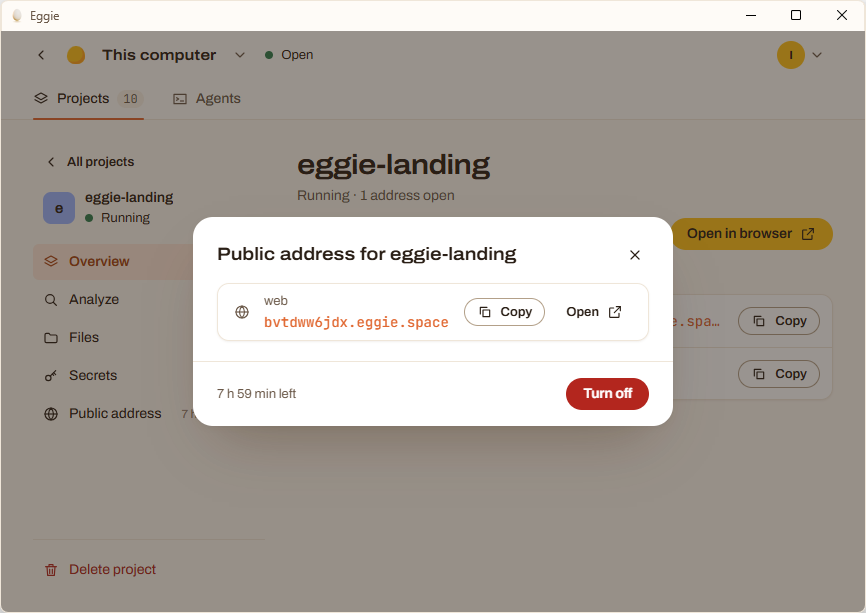
- Open the project and click Public address.
- Turn it on.
- Copy the link. It looks like
tzflkg1jjt.eggie.space.
Good to know
- The link lasts a few hours. The console shows how much time is left. When it runs out, the link stops working. Turn it on again for a new one.
- Each time you get a new address. Send the new one.
- It only works while Eggie and the project are running. If your computer sleeps or you stop the project, the link stops answering.
- Anyone with the link can open it. Eggie doesn’t add a password. If your app shows real data, give it a login first — ask your agent.
- The link opens only this one project. Your other projects and the Eggie console stay private.